

Profile settings
Change your name and password, and turn on two-step sign-in.
Your profile holds your name, username and email address, and the security settings for signing in.
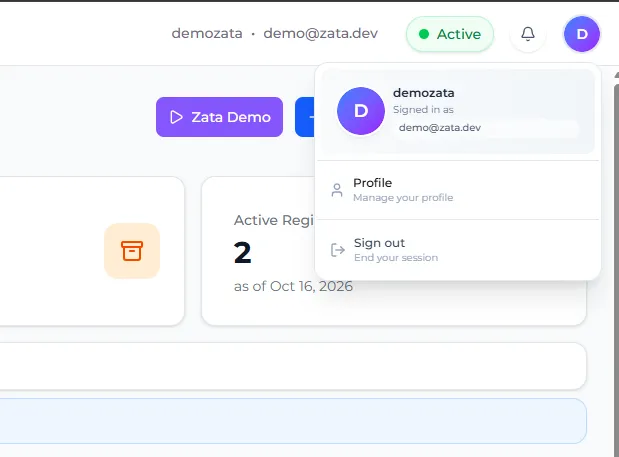
To open it, select your profile icon in the top-right corner of the Zata console, then select Profile. Sub-users select Account Settings in the left menu instead.
Change your name
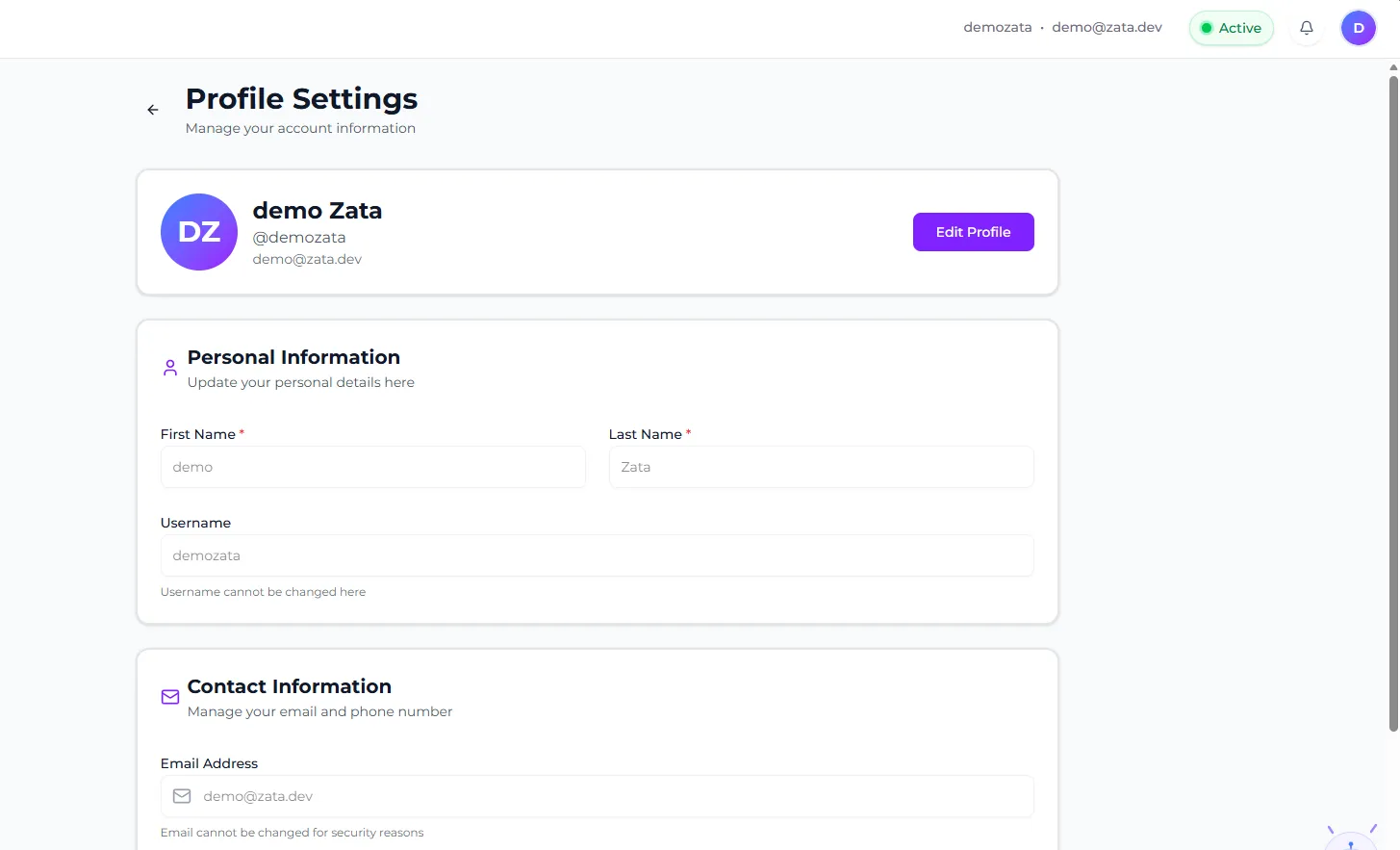
You can’t change your Username or Email Address here.
Change your password
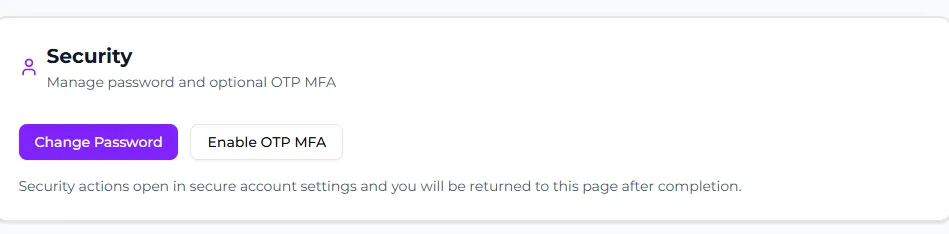
Turn on two-step sign-in (OTP MFA)
With OTP MFA turned on, you enter a code from an authenticator app each time you sign in.
Start the setup
In the Security section, select Enable OTP MFA. The Mobile Authenticator Setup page opens.
To turn it off, select Disable OTP MFA in the Security section.