

Compliance mode
A version locked in Compliance mode cannot be overwritten or deleted by anyone until its retain-until date: not by sub-users, not by the account owner and not by Zata support. The lock can be made longer, but never shorter.
A Compliance lock cannot be undone. Check the number of days twice, and try your setup in Governance mode first.
To set a Compliance lock, choose Compliance as the mode in a default retention, when you lock existing versions or when you lock one version. How far ahead you can lock depends on your account: see How long you can lock files.
What you can and cannot do
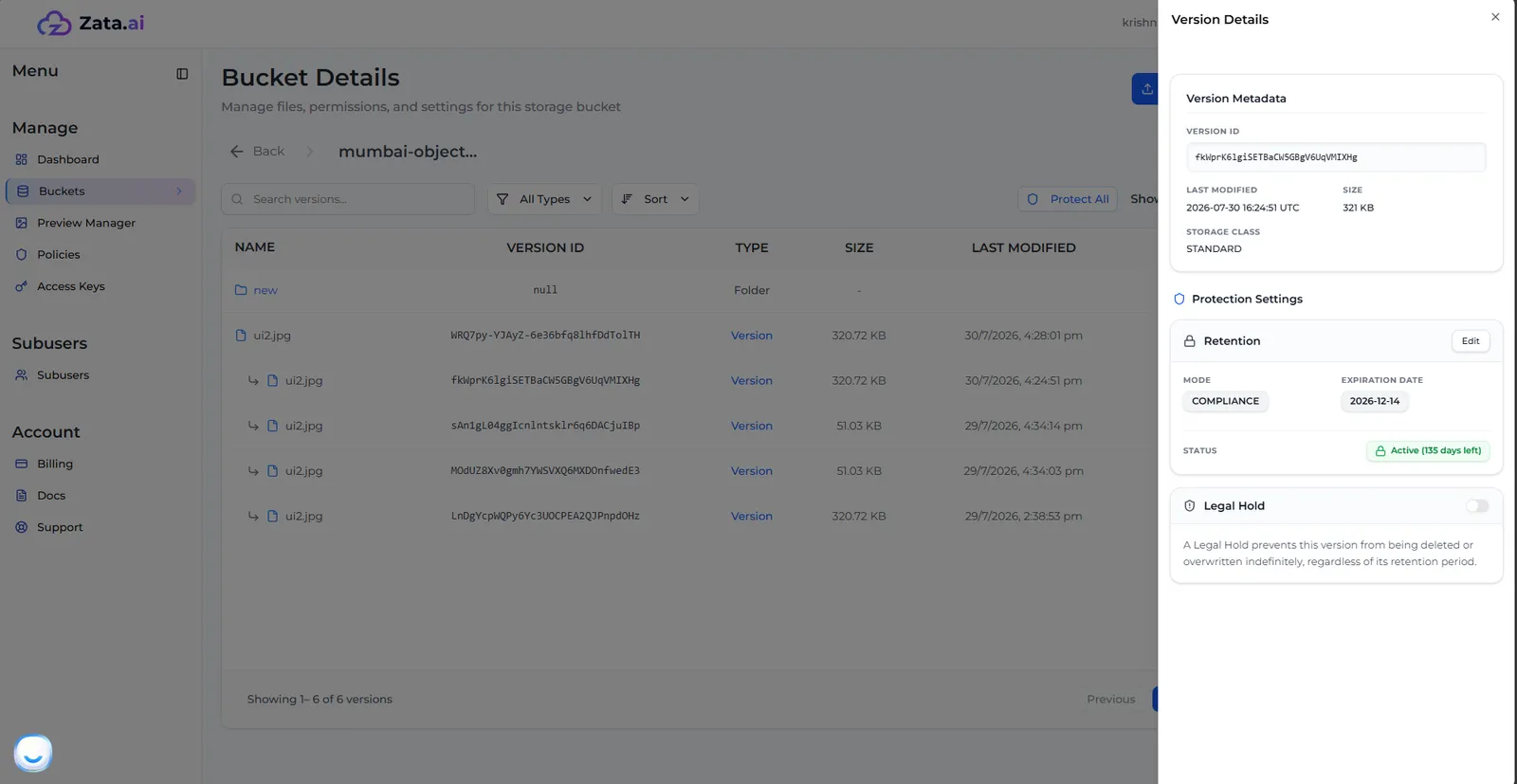
You can see a version’s lock and its end date in Lock Settings (turn on Show Versions, then open the version’s ⋮ menu).
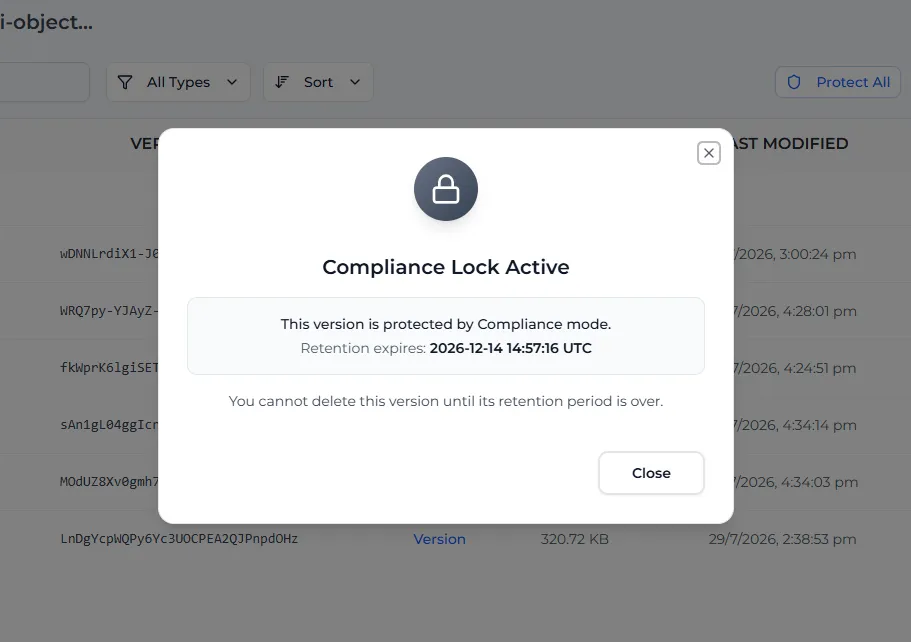
If you try to delete the version, the console shows Compliance Lock Active with the end date, and only lets you close the window.
When the date has passed, the version is no longer locked. You can delete it, or lock it again.
Lock a file with the AWS CLI
The console limits how far ahead you can lock; commands sent with S3 tools are not limited this way. A lock does not keep data beyond the life of your account: if your plan ends and is not renewed, the data is deleted as described in Billing, locked or not.