

AhsayCBS
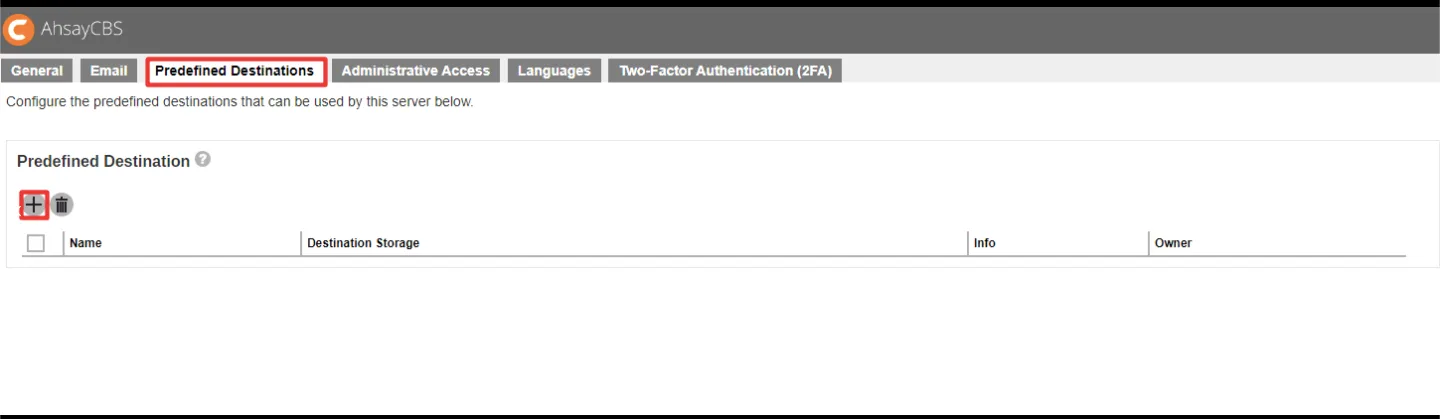
Use a Zata bucket as a predefined destination in Ahsay Cloud Backup Suite.
AhsayCBS (Ahsay Cloud Backup Suite) is backup server software for service providers and IT teams. It can store backups in a Zata bucket that you add as a Predefined Destination.
Before you start
- A bucket for the backups. AhsayCBS does not create it, so create it first. See Create a bucket.
- An access key from the same region as the bucket. See Access keys.
- AhsayCBS installed. Download AhsayCBS.
Installation notes
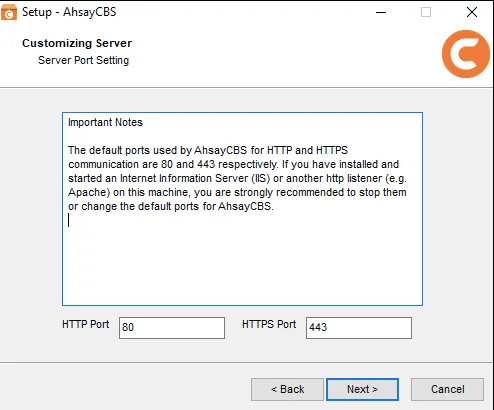
- The installer asks for the ports AhsayCBS uses. The defaults are 80 (HTTP) and 443 (HTTPS). If another program such as IIS or Apache already uses them, choose others, for example 8080 and 8443.
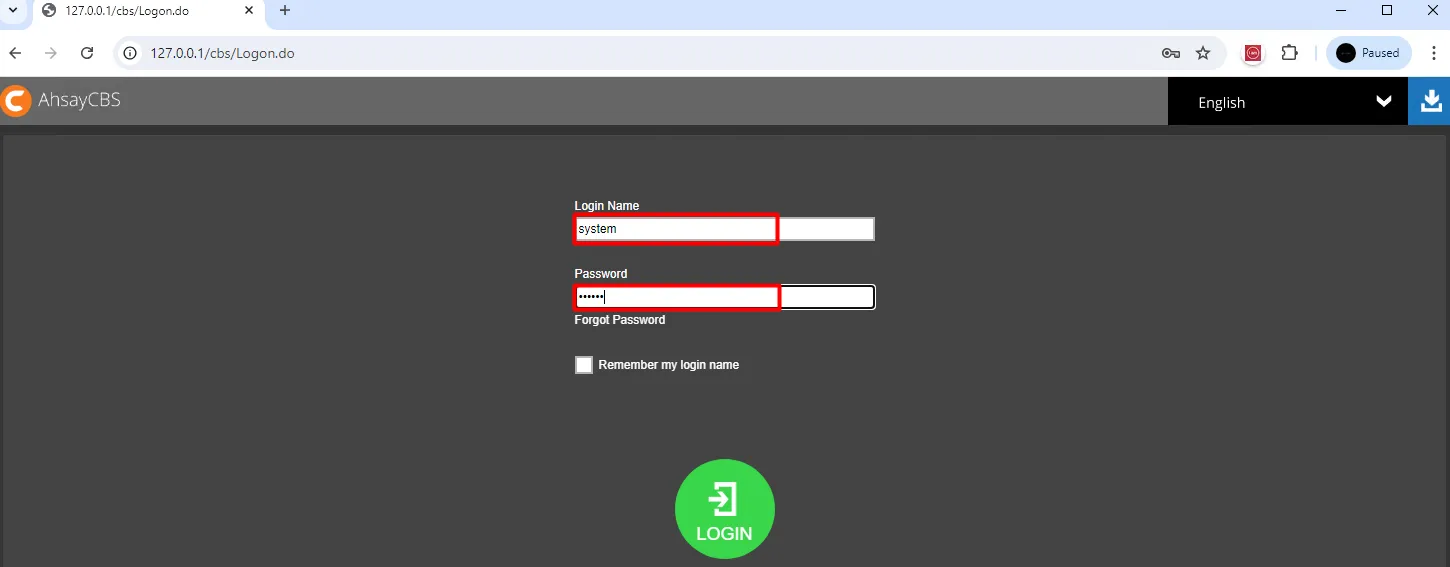
- After Finish, the console opens in your browser. Log in with the default user
systemand passwordsystem, then set a new password.
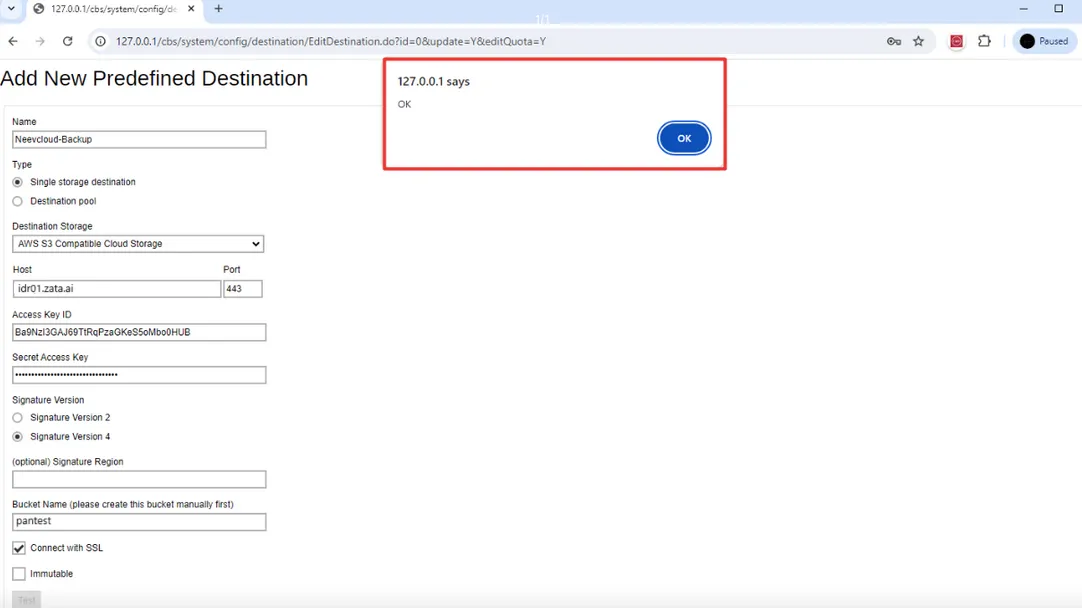
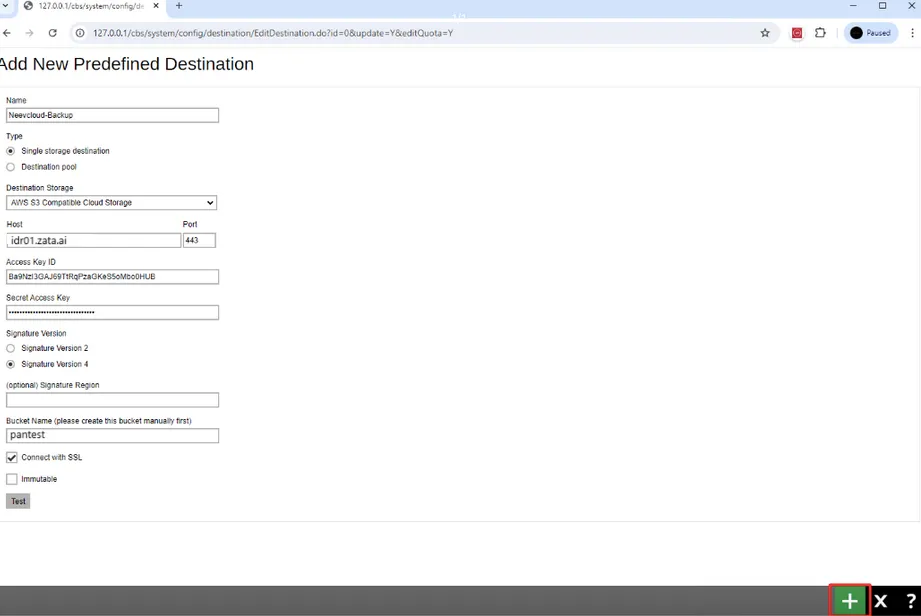
Connection settings
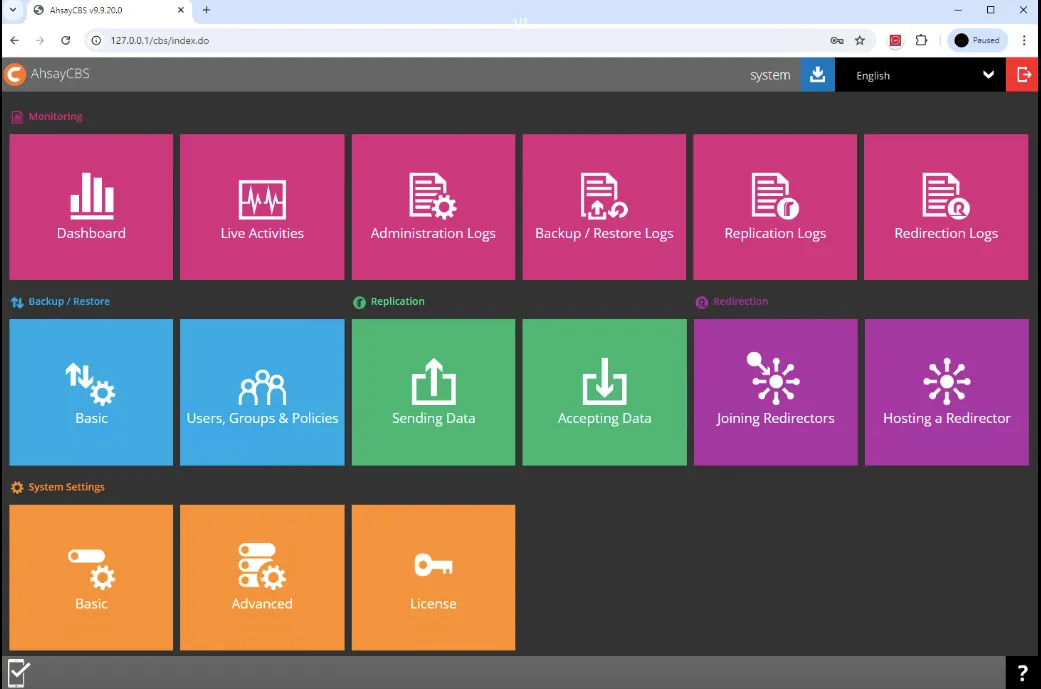
Set up AhsayCBS
Test it
Back up a small file to this destination and check that backup data appears in your bucket in the Zata console. Then restore the file to confirm it can be recovered.
Troubleshooting
For other errors, see Signature errors and Endpoint and region.