

What sub-users see
The smaller dashboard a sub-user gets when it signs in.
A sub-user with Programmatic + Dashboard access has its own, smaller version of the Zata console. It only shows the buckets, regions and permissions the account owner gave it. Programmatic-only sub-users have no dashboard; they use their keys in S3 tools.
This section is written for the sub-user.
Sign in
- Accept the invitation email and set your password. See Invitations.
- Go to my.zata.ai and select the Sub-user tab on the sign-in page.
- Enter the username your account owner gave you and your password, then select Sign in.
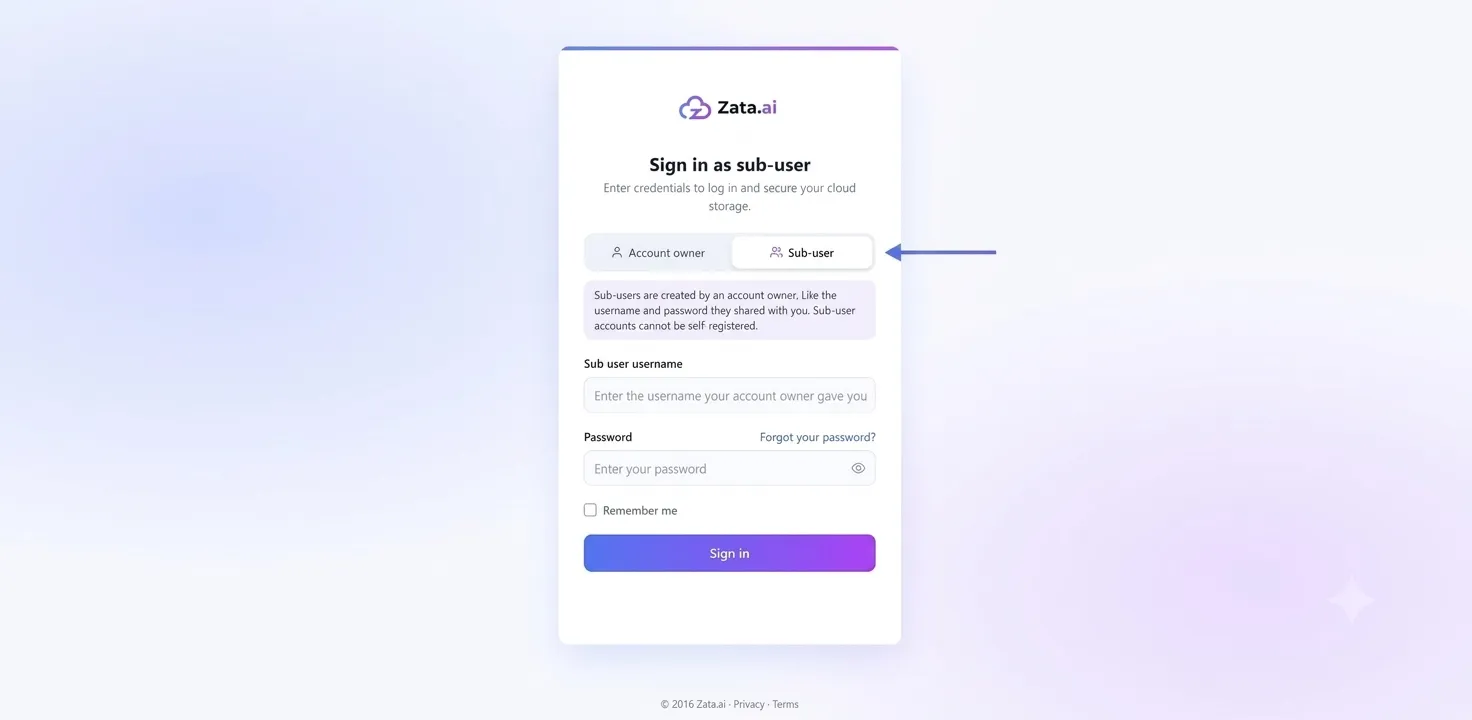
Forgot your password? Select Forgot your password? on the same page. See Forgotten password.
What is in the menu
There is no billing, no bucket creation and no sub-user management. Anything you are missing — a bucket, a region or a permission — must be given by the account owner. For the full list of limits, see What a sub-user can and cannot do.
If your account is suspended, the pages show Access unavailable. Try signing in again, or contact your account owner.