

Proxmox Backup Server
Proxmox Backup Server (PBS) 4.0 and newer can keep a datastore in S3-compatible storage. You add Zata as an S3 endpoint, then create a datastore of type S3 that uses your bucket. Proxmox VE can then back up VMs and containers to that datastore.
Before you start
- A bucket for the backups, for example
proxmox-backups. See Create a bucket. - An access key from the same region as the bucket. See Access keys.
- Proxmox Backup Server 4.0 or newer, and its web interface at
https://PBS-IP:8007(log in asroot). - Local disk space for the datastore cache (see step 2).
Connection settings
Set up Proxmox Backup Server
Add the S3 endpoint
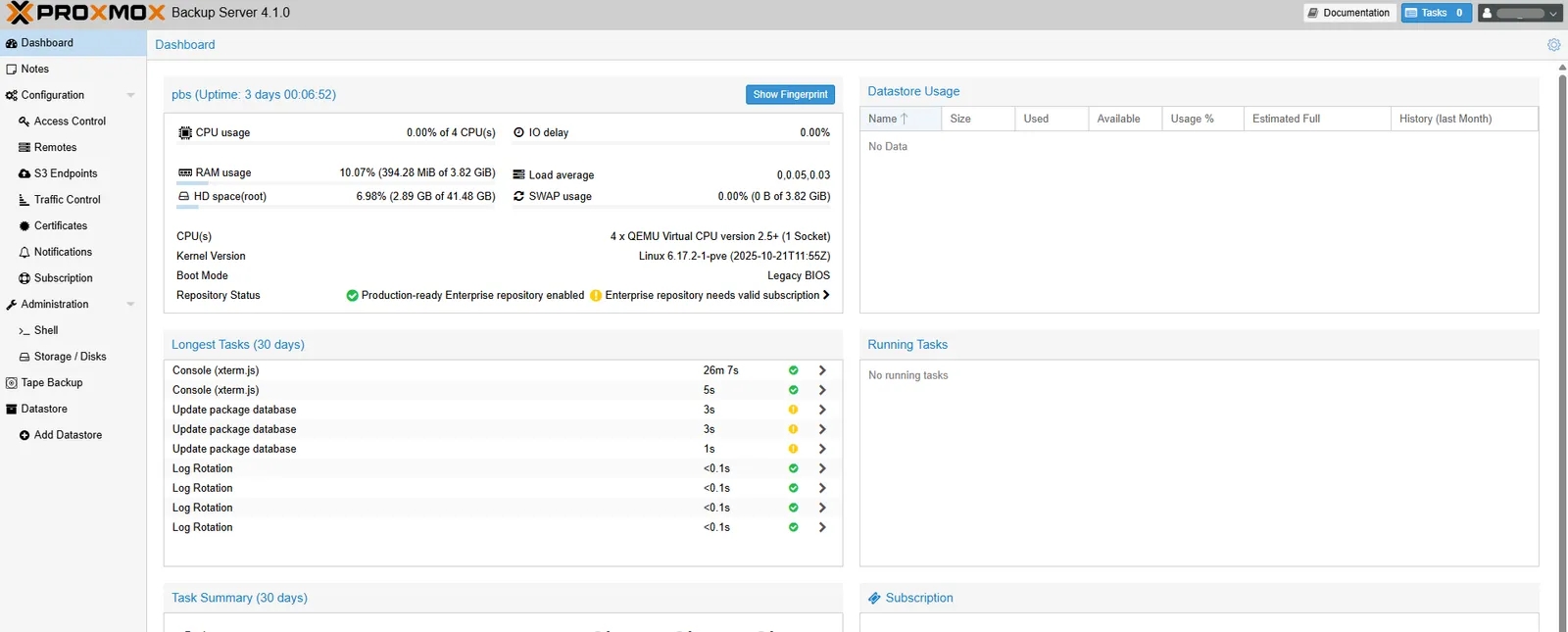
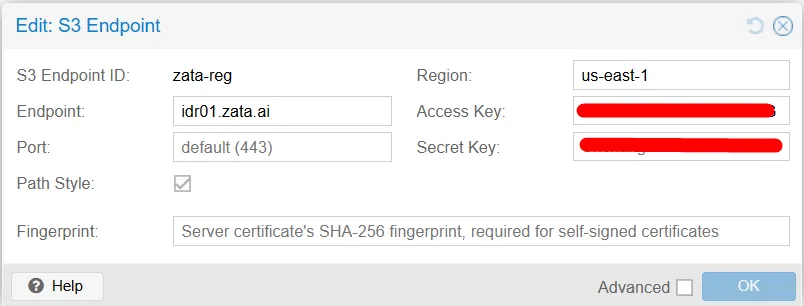
In the PBS web interface, open Configuration → S3 Endpoints and click Add. Enter an S3 Endpoint ID, for example zata-reg, and fill in the fields from the table above. Click OK.
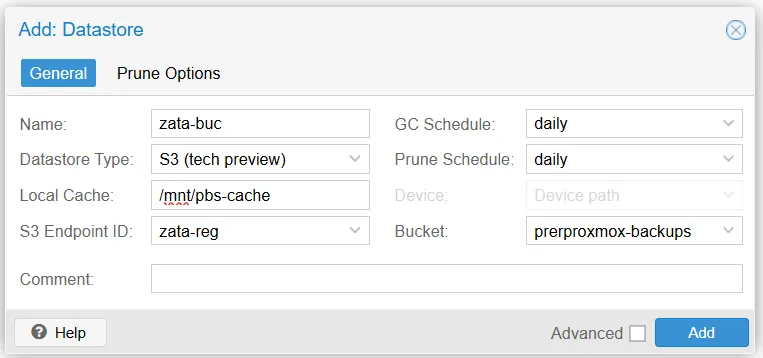
Test it
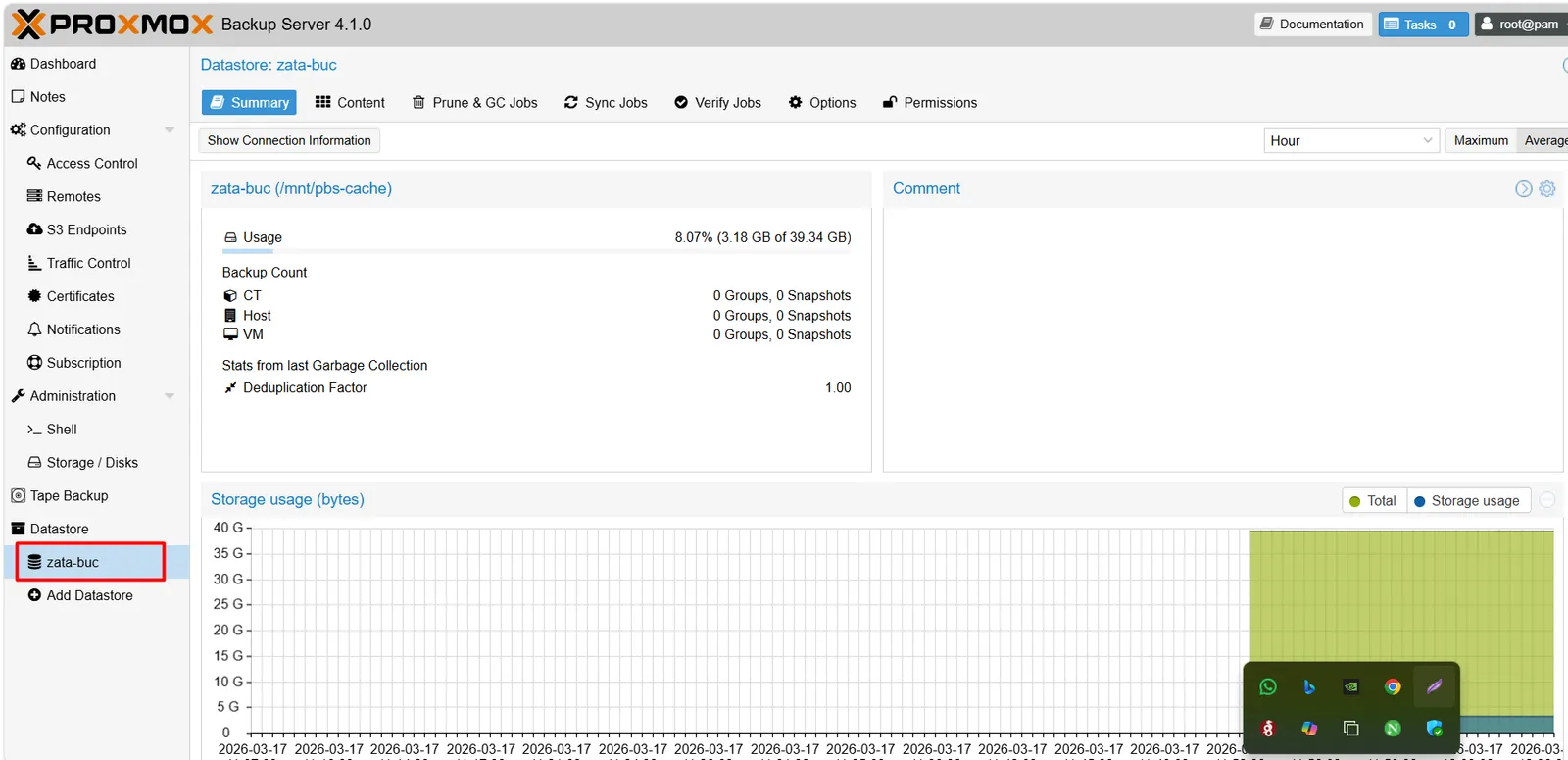
The new datastore appears under Datastore, and its Summary shows the usage.
In Proxmox VE, add this PBS datastore as backup storage, back up a small VM or container to it, and check that new objects appear in your bucket in the Zata console. Then restore that backup. Rely on it only after a restore has worked.
Troubleshooting
For other errors, see Signature errors and Endpoint and region.