

CloudMounter
Mount a bucket as a drive on macOS.
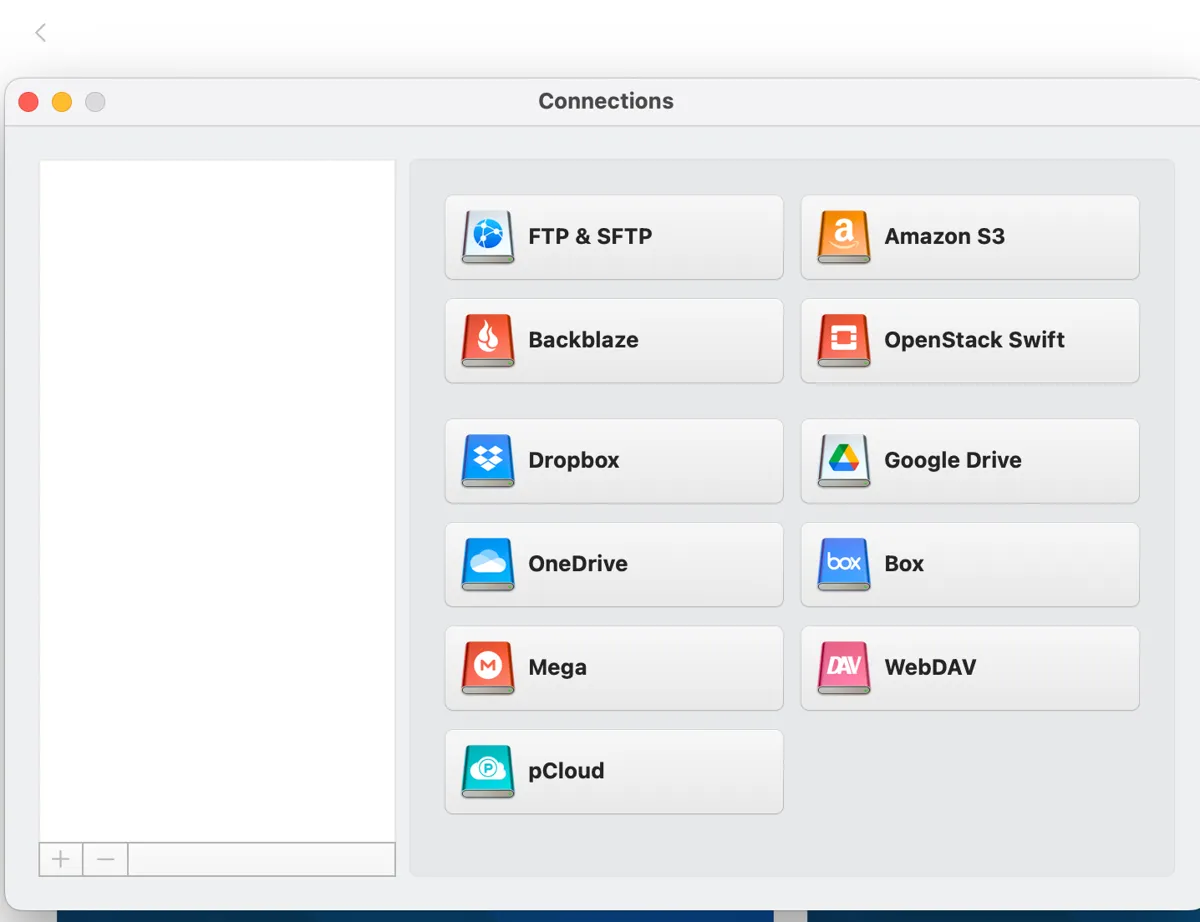
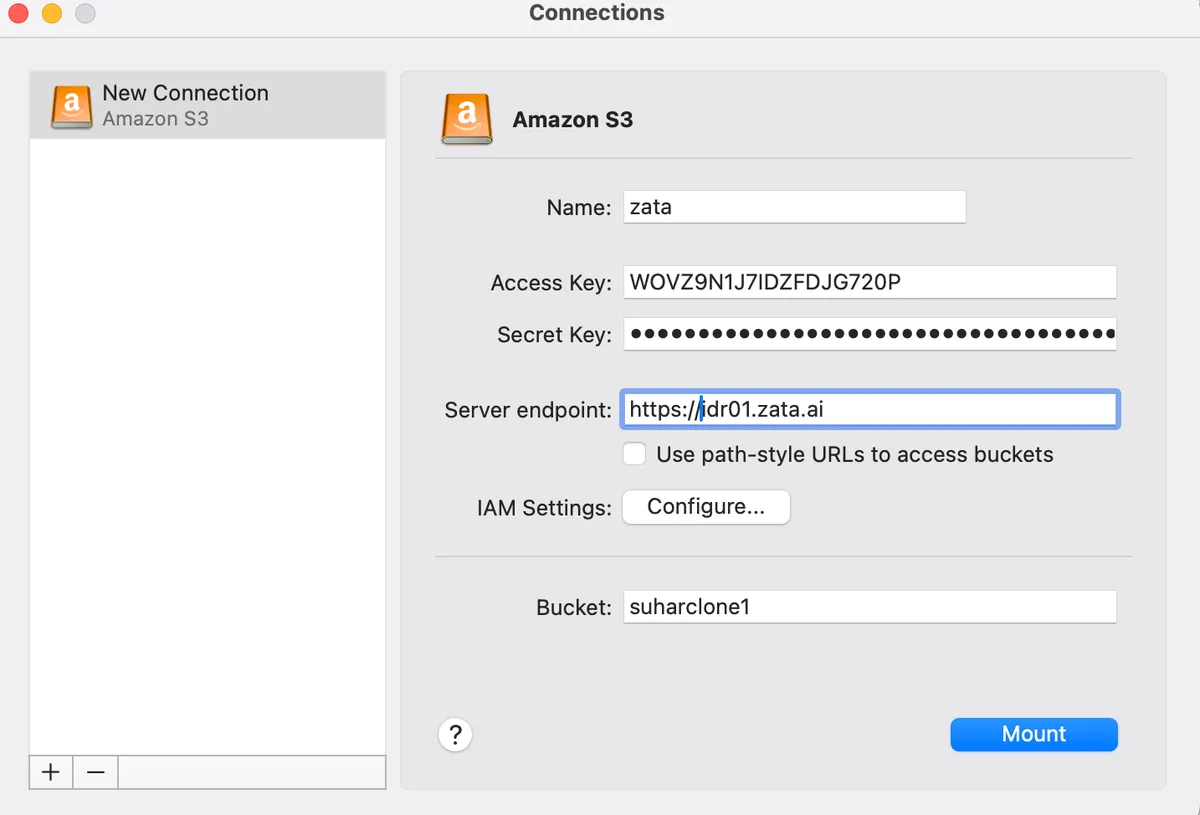
CloudMounter mounts a Zata bucket as a drive in Finder on macOS. It connects with its Amazon S3 connection type.
Before you start
- A bucket — see Create a bucket.
- An access key from the same region as the bucket — see Access keys.
- CloudMounter installed — download CloudMounter.
Connection settings
Set up CloudMounter
Test it
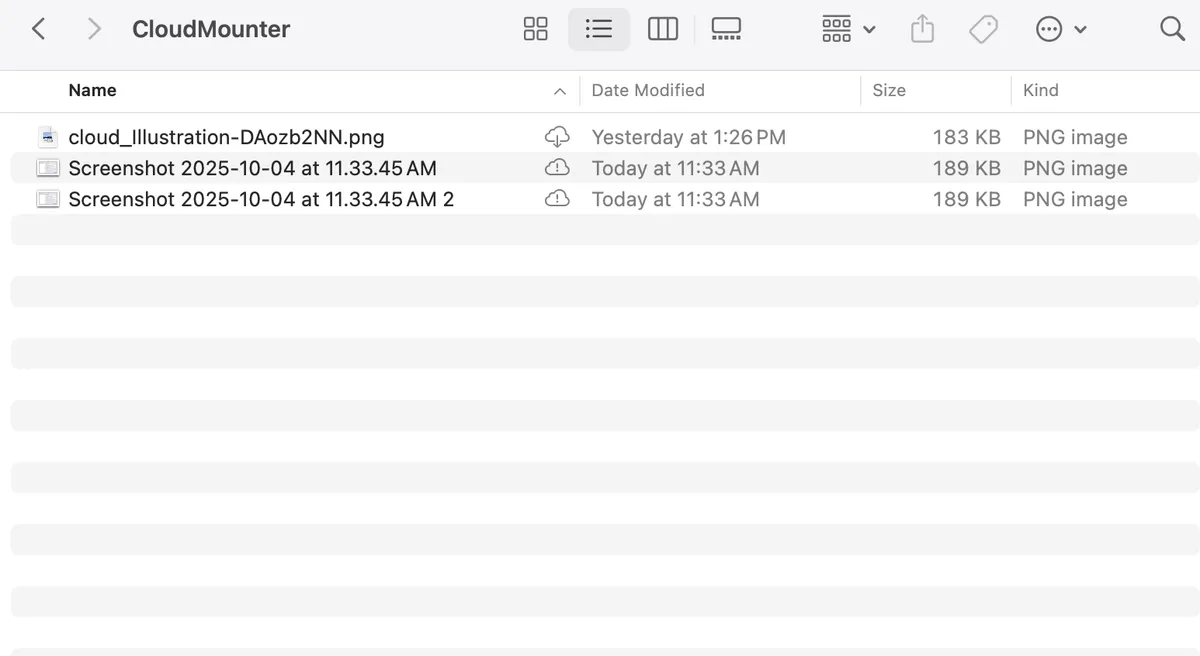
Drag a small file onto the drive in Finder and wait until the CloudMounter status icon shows the upload is done. Check that the file appears in the bucket in the Zata console under Buckets. Then copy it back to a local folder and open it.
Troubleshooting
For other errors, see Access denied and Endpoint and region.