

Tags
Add key and value labels to a bucket to keep things organised.
Tags are key and value labels on a bucket, such as Environment: Production or Project: Backup. They help you sort and find buckets. You can add tags when you create a bucket or at any time later.
Add or change tags
Open Manage Tags
In the Zata console, open Buckets and select the tag icon (Manage Tags) in the bucket’s row. The Manage Bucket Tags window lists the current tags.
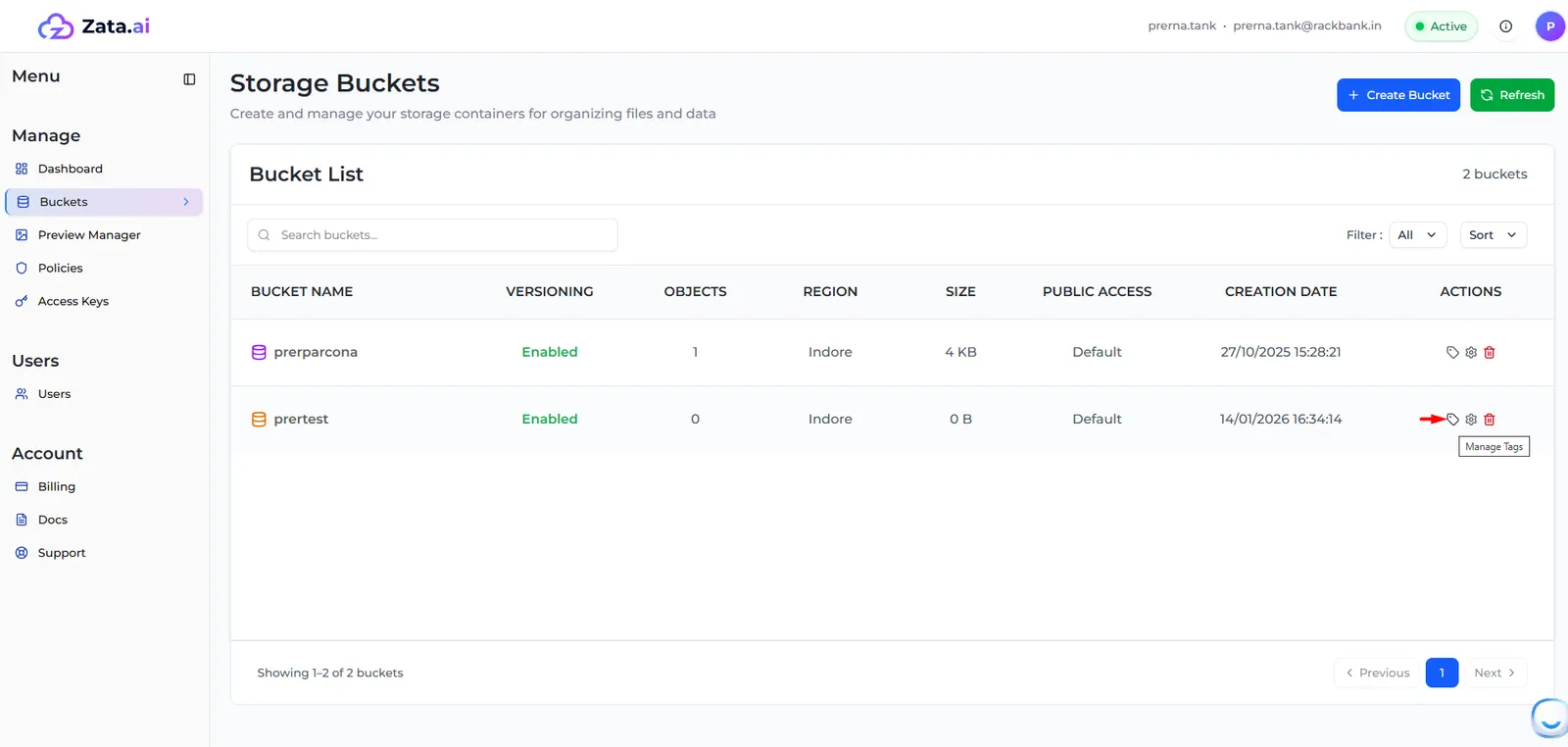
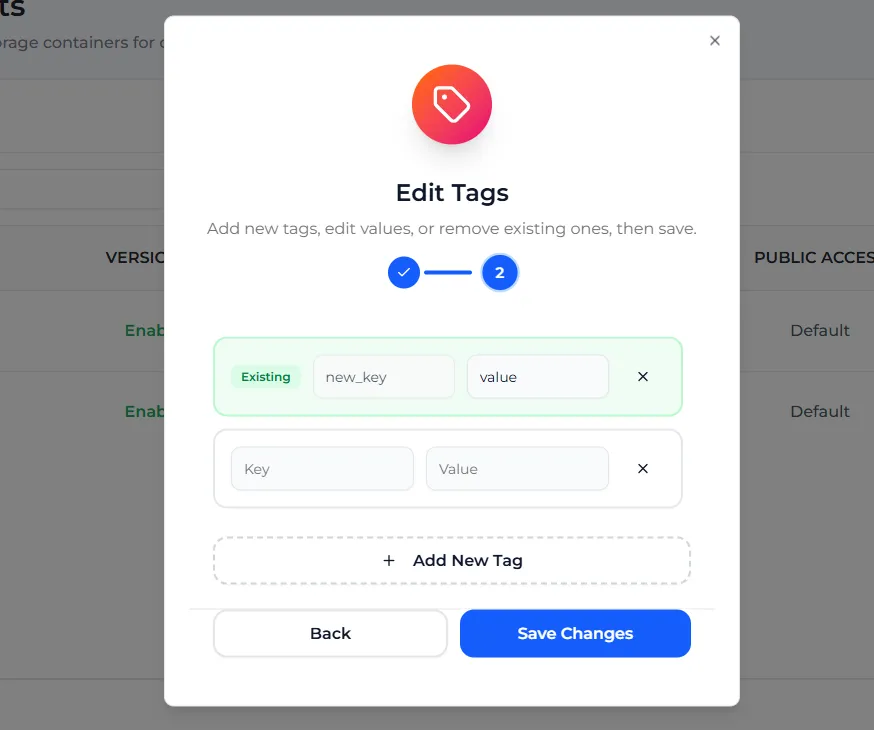
You can do the same from Bucket settings: open Bucket Tags and select Edit tags.
Tag rules
You cannot rename the key of an existing tag. Remove the tag and add a new one with the new key.