

Buckets
Buckets lists the buckets your account owner shared with you, in your regions. You can search by name, filter by region (All, Indore, Mumbai) and change the sort order. You cannot create or delete buckets.
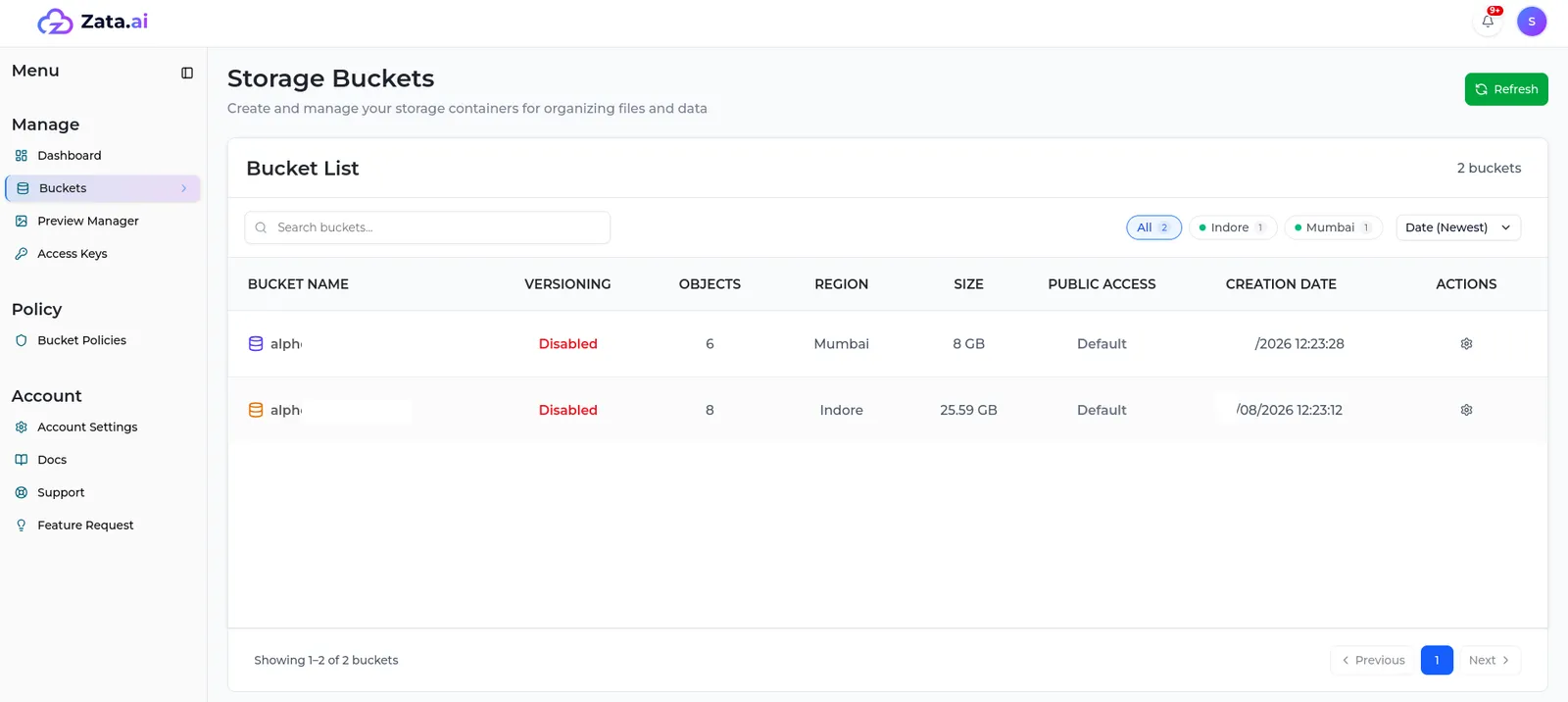
Select a bucket to open its file list. What you can do there depends on your permission for that bucket — for example, Upload File and Create Folder only work if you may upload, and you can delete files only if your permission includes delete (such as Full Access). To see exactly what you are allowed, open Bucket Settings (the gear icon) and look at Access & Permissions, or check Bucket Policies.
In S3 tools your bucket list is empty, even though you can use these buckets. Type the bucket name directly in the tool instead of browsing. Use a key from the same region as the bucket — see Access keys.