

odrive
Reach Zata and your other cloud storage from one place.
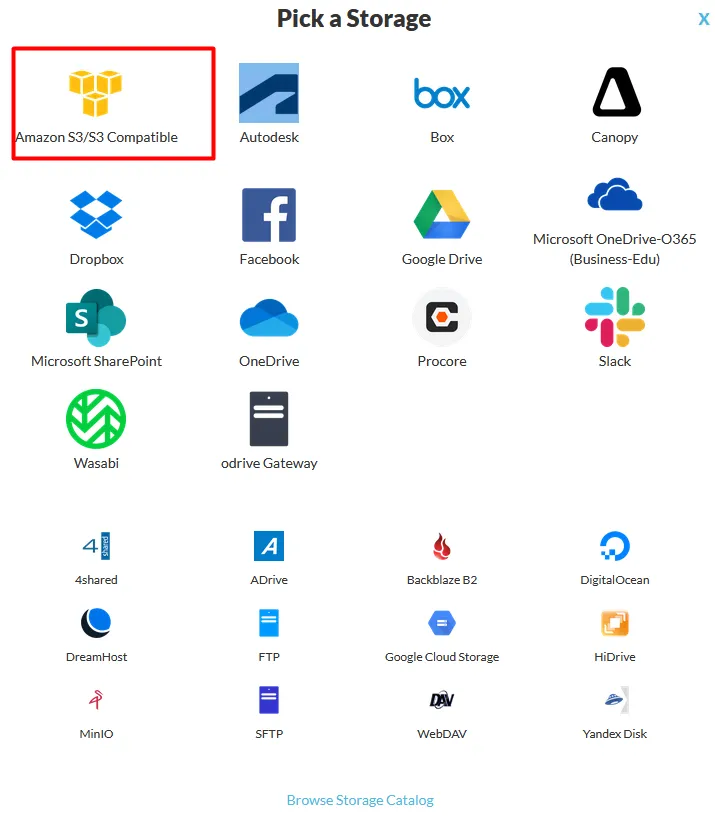
odrive brings many cloud storage services together in one place on Windows and macOS. You can link a Zata bucket to it as S3 Compatible storage and browse it next to your other storage.
Before you start
- A bucket — see Create a bucket.
- An access key from the same region as the bucket — see Access keys.
- odrive installed and signed in — see the odrive usage guide. After you install it, select GET STARTED; a browser page opens where you sign in or sign up.
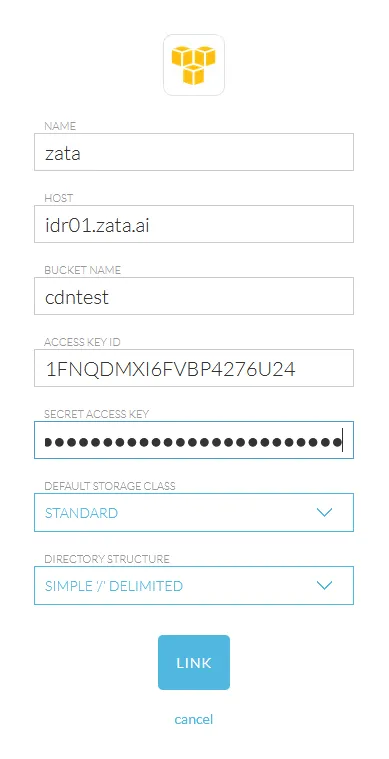
Connection settings
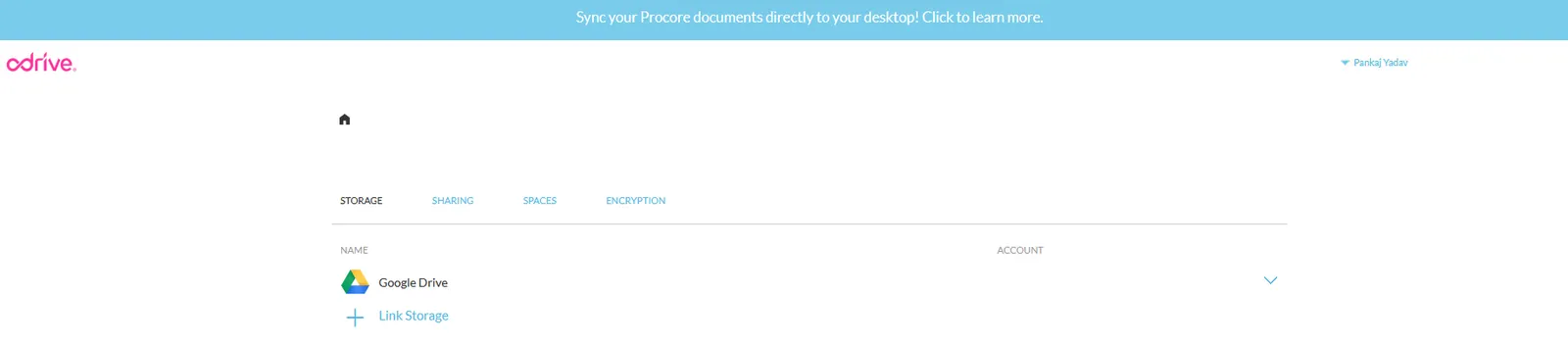
Set up odrive
Test it
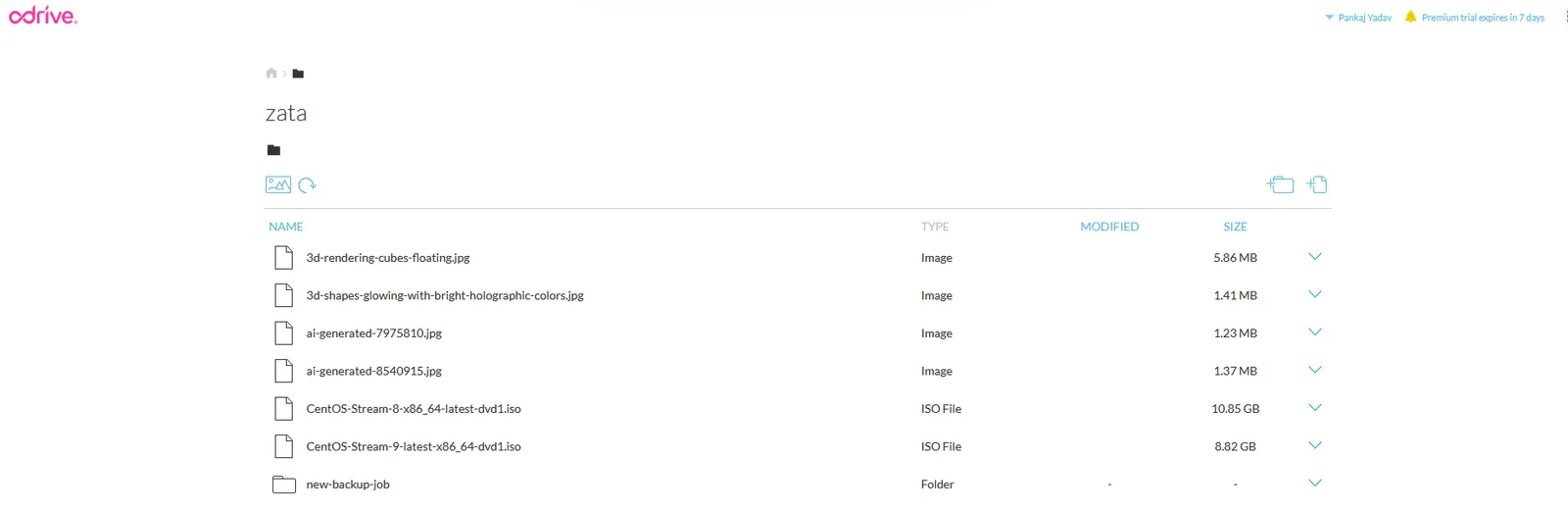
Add a small file to the linked Zata storage in odrive. Check that it appears in the bucket in the Zata console under Buckets. Then download it again from odrive.
Troubleshooting
For other errors, see Access denied and Endpoint and region.