

Media
Preview files in the buckets shared with you.
The Preview Manager lets you browse and preview files in the buckets shared with you, without downloading them first. It shows the same buckets as the Buckets page, with a search box, region filters and sorting.
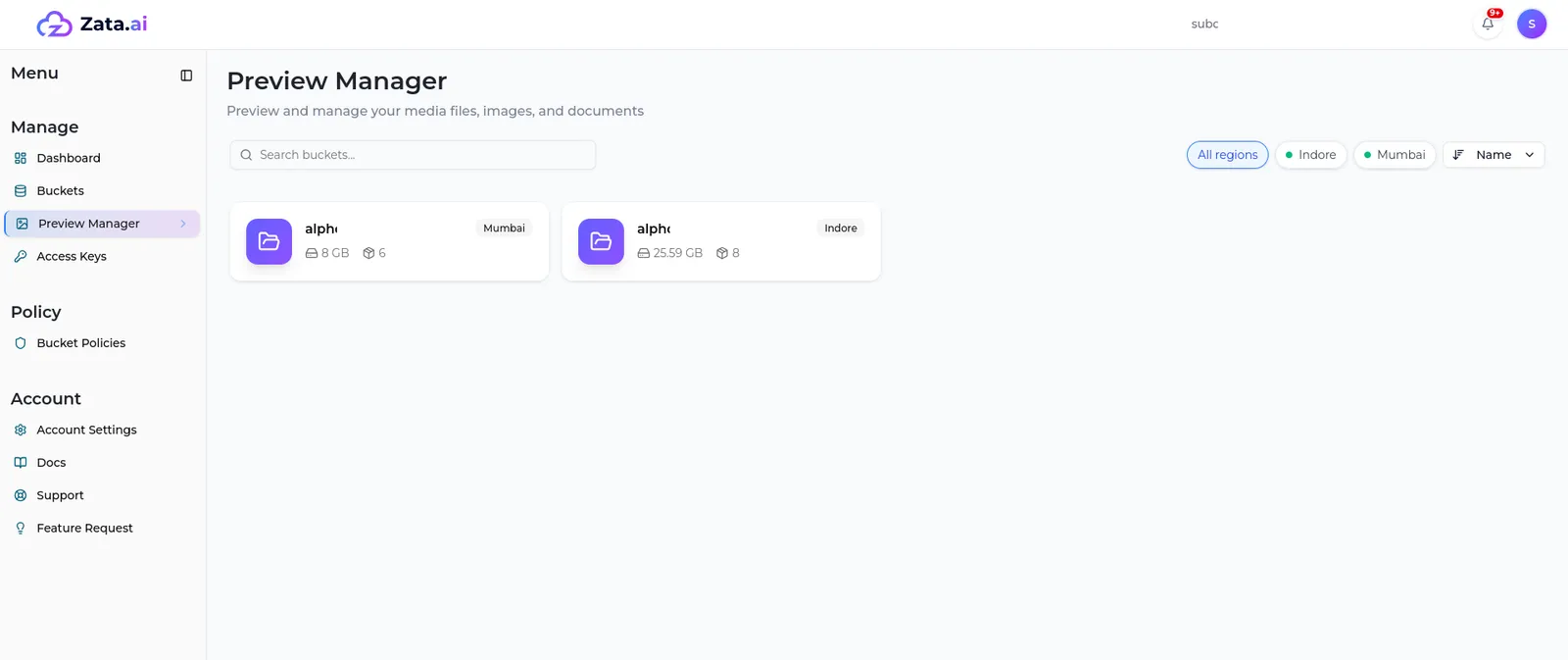
Select a bucket, then select a file to open it in the File Preview panel. Images, videos, audio, PDFs, text and code files, and Office documents (Word, Excel, PowerPoint) are shown in the browser. Other files can be downloaded instead.
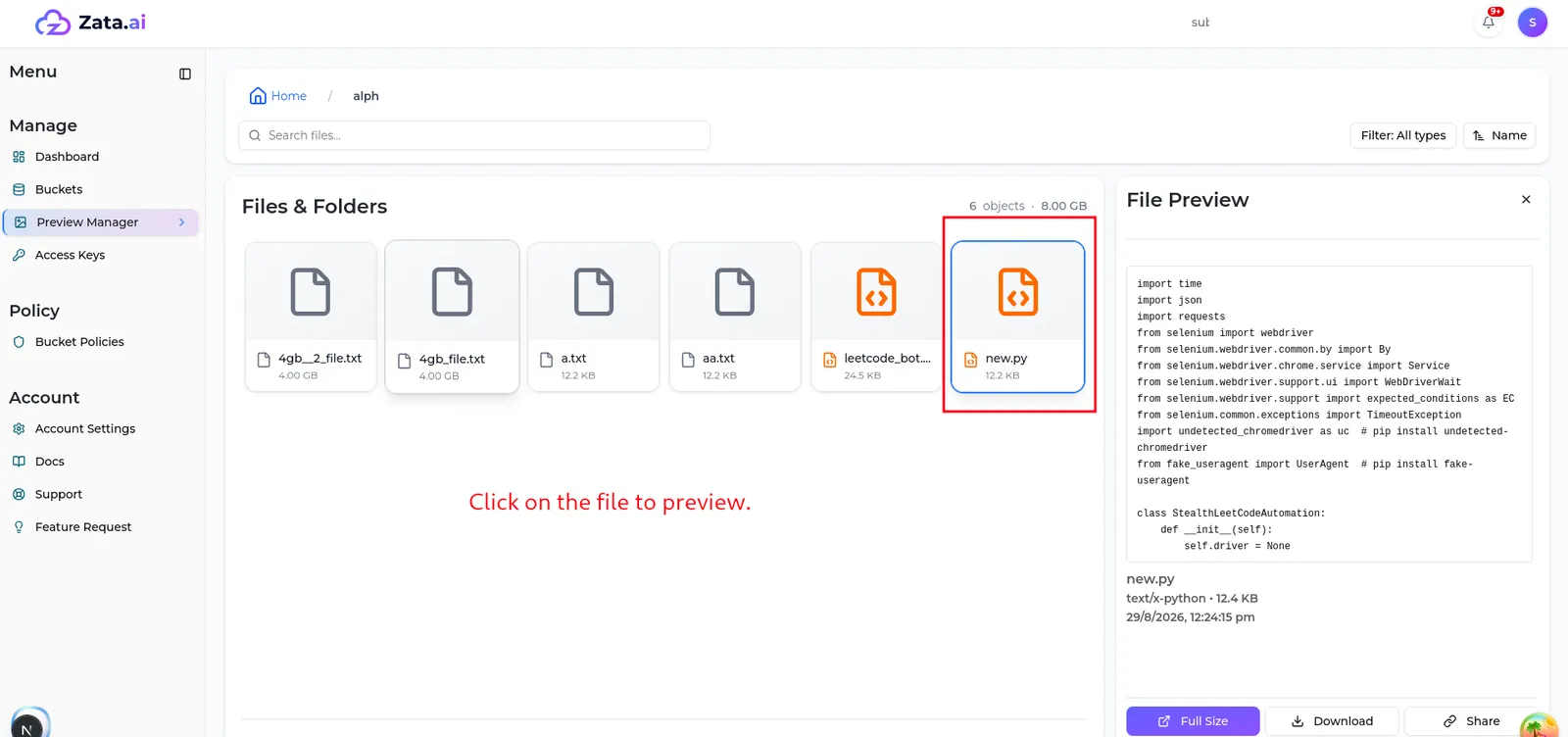
What you can do with a file, such as download or share it, follows your permission for that bucket.