

Handy Backup
Back up files, folders and databases to Zata with Handy Backup.
Handy Backup is Windows backup software for files, folders, databases and system images. It stores backup tasks in a Zata bucket through its S3 Cloud storage option.
Before you start
- A bucket for the backups. See Create a bucket.
- An access key from the same region as the bucket. See Access keys.
- Handy Backup installed.
Connection settings
Set up Handy Backup
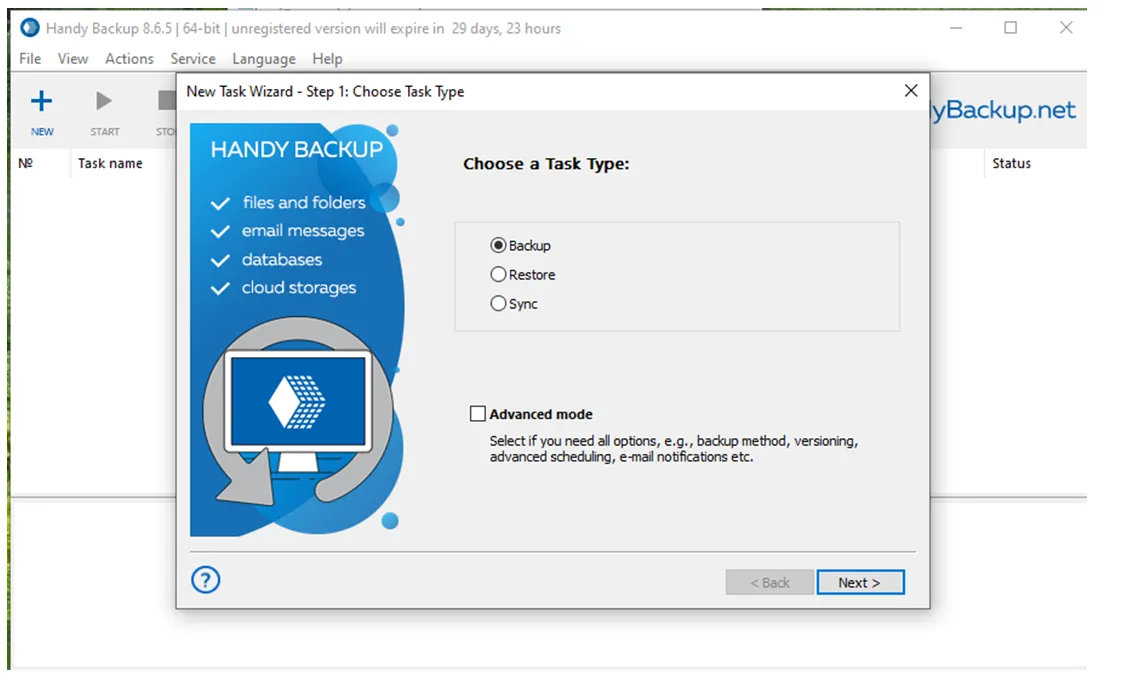
Create an S3 Cloud connection
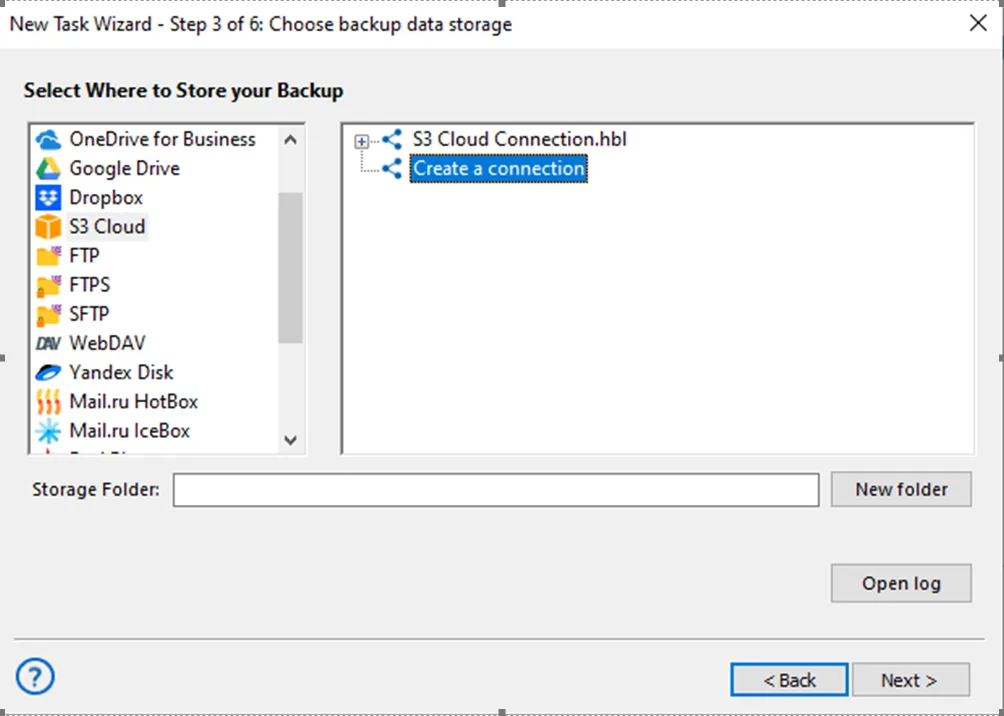
In Select Where to Store your Backup, choose S3 Cloud and click Create a connection.
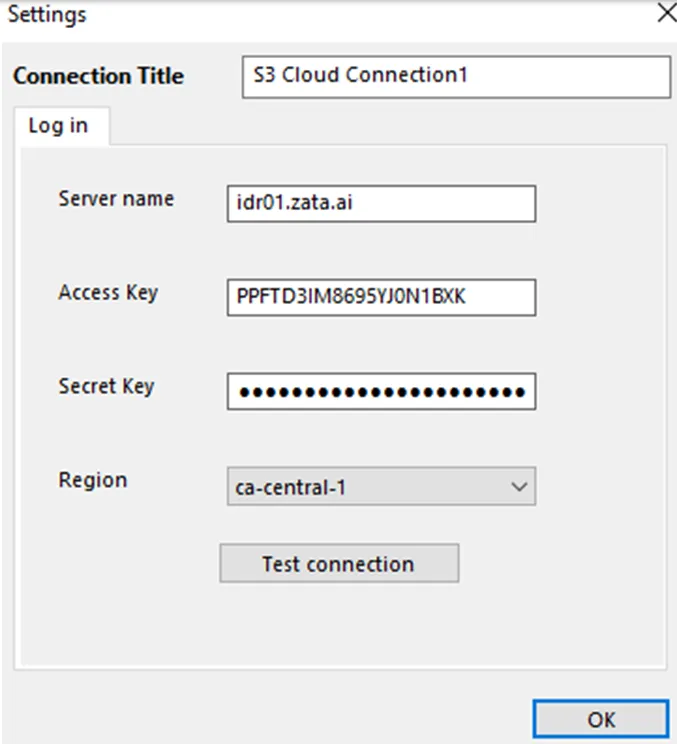
Enter the Zata details
Enter a Connection Title and fill in the fields from the table above. Click Test connection, then OK.
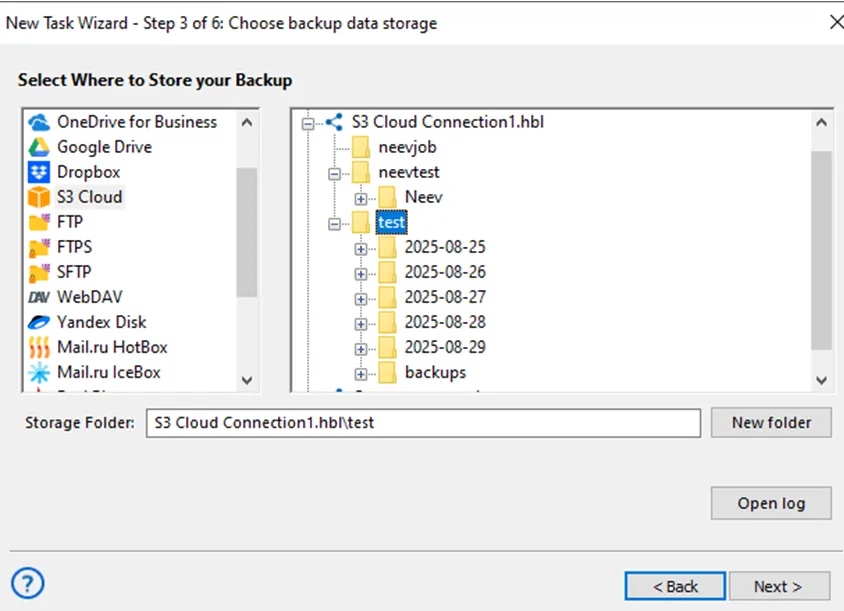
Test it
Run the task by hand with a small file selected. Check that the file appears in your bucket in the Zata console, then restore it with Handy Backup to confirm it can be recovered.
Troubleshooting
For other errors, see Signature errors and Endpoint and region.